
Tag: UEPS
All articles about “UEPS”
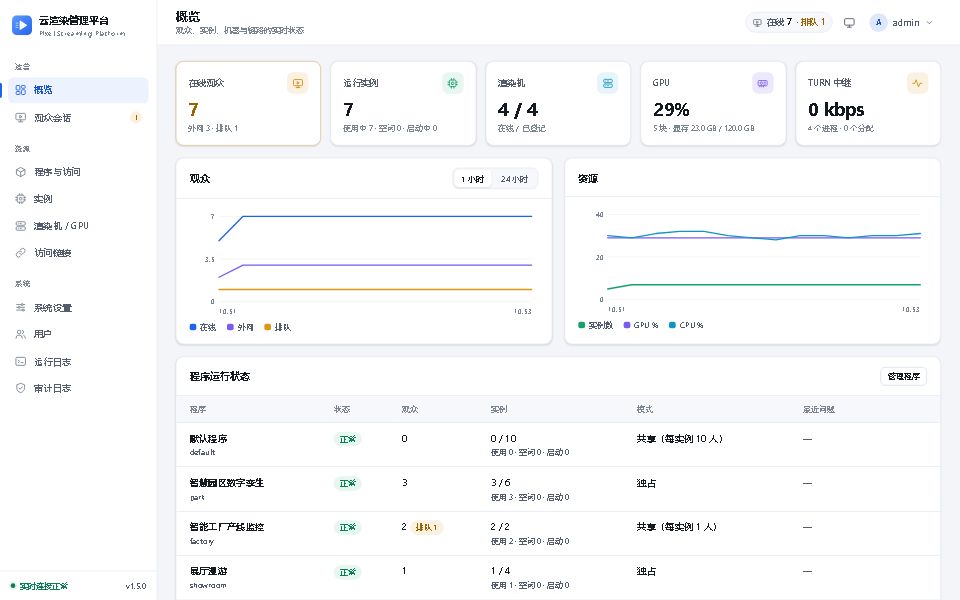
Introducing UEPS: an Unreal Engine Pixel Streaming platform that needs only one public TCP port
UEPS combines signaling, instance scheduling, a web console and a TURN relay in one program and serves Unreal Engine Pixel Streaming through a single nginx TCP port, with no UDP port mapping and full compatibility with existing video.html?urlPrefix links.
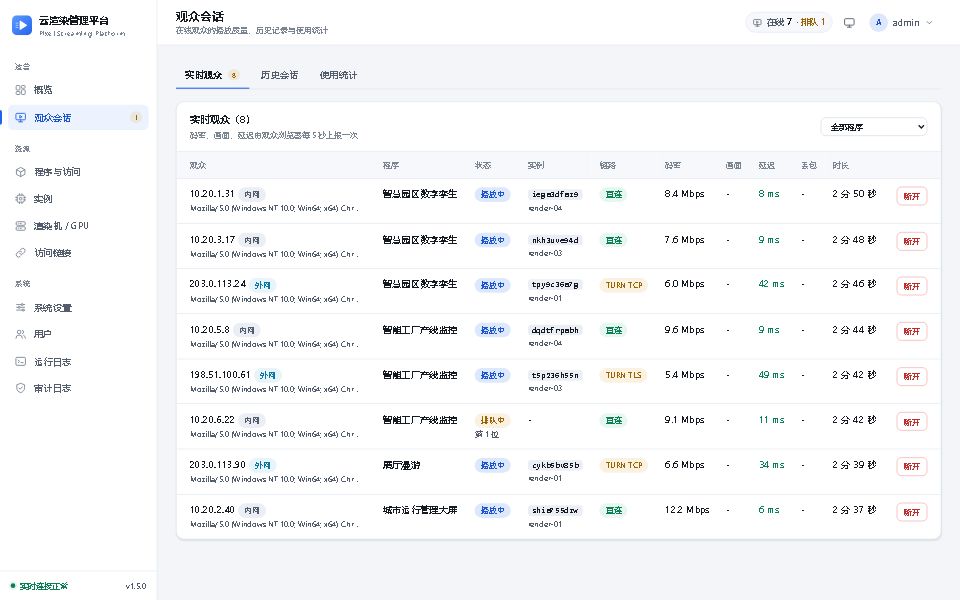
Why Pixel Streaming goes black on the public internet: WebRTC, TURN and single-port multiplexing
WebRTC media cannot pass through an HTTP reverse proxy, but it can travel over TURN on TCP or TLS. UEPS uses nginx stream to split web pages, signaling and TURN on one port by whether a connection uses TLS and carries ALPN, and the TURN server reaches UE over UDP inside the network.
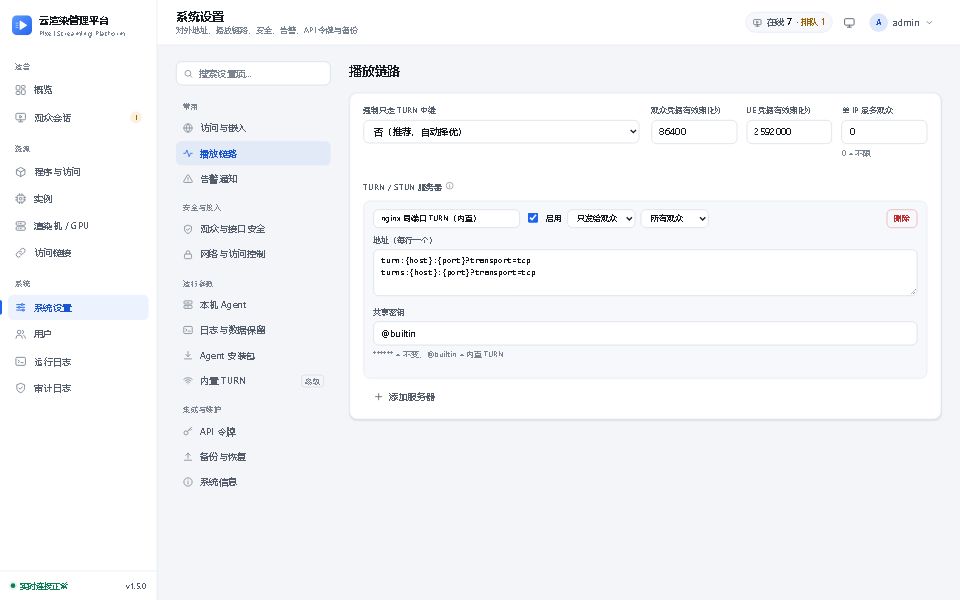
Why the Pixel Streaming video disappears behind another reverse proxy
Web pages and signaling can go through a front reverse proxy, but TURN media cannot pass a plain HTTP proxy. Here are two fixes, a layer-4 split on the front proxy or one extra plain TCP forwarding port, plus how to get the viewer's real IP right.
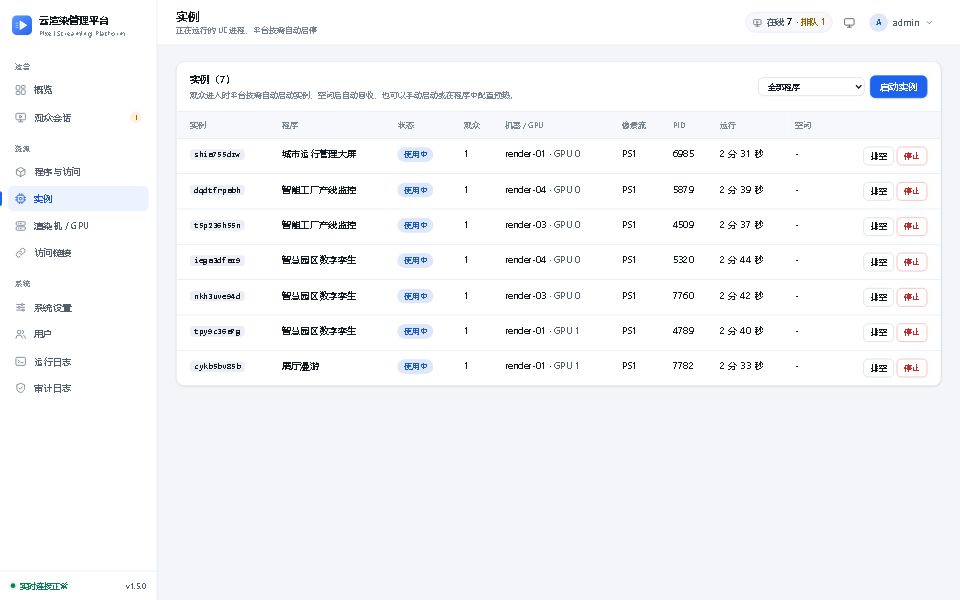
UE instance scheduling: how exclusive, shared, pre-warmed and VIP modes work
UEPS generates the instance ID itself and passes it in UE's launch arguments for deterministic binding, places instances by free GPU memory, scales by queue length and pre-warm targets, retries on another GPU or machine, and takes over running UE processes after a restart.
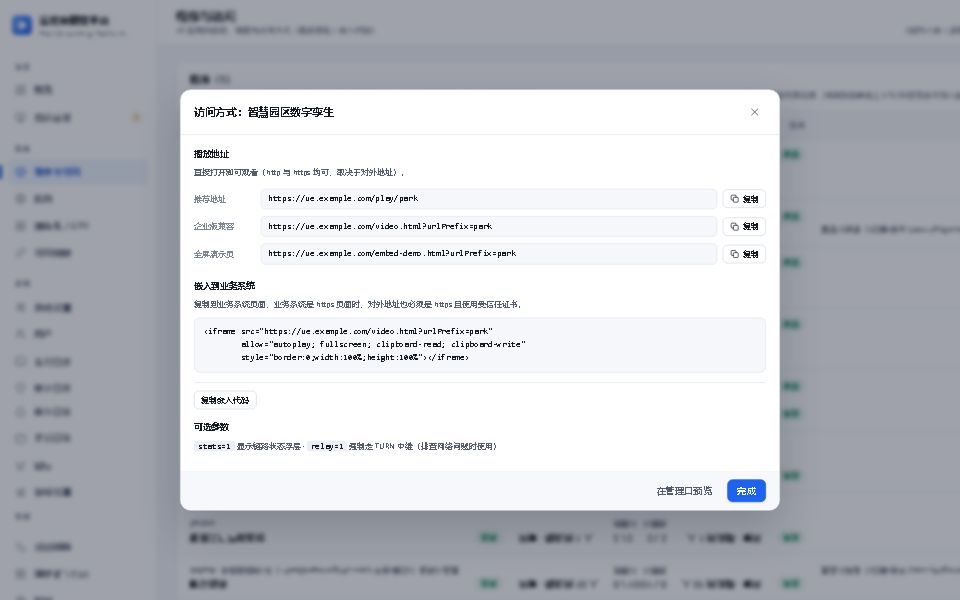
The security boundaries of a Pixel Streaming platform: viewer port, admin port and render machines
UEPS is secure by default: the public entry carries only viewer traffic, while the console, UE and agents connect from the internal network with tokens; administrators sign in with scrypt passwords, two-factor authentication and session revocation, and viewers are governed by access links, IP allow-lists, rate limits and clear close codes.
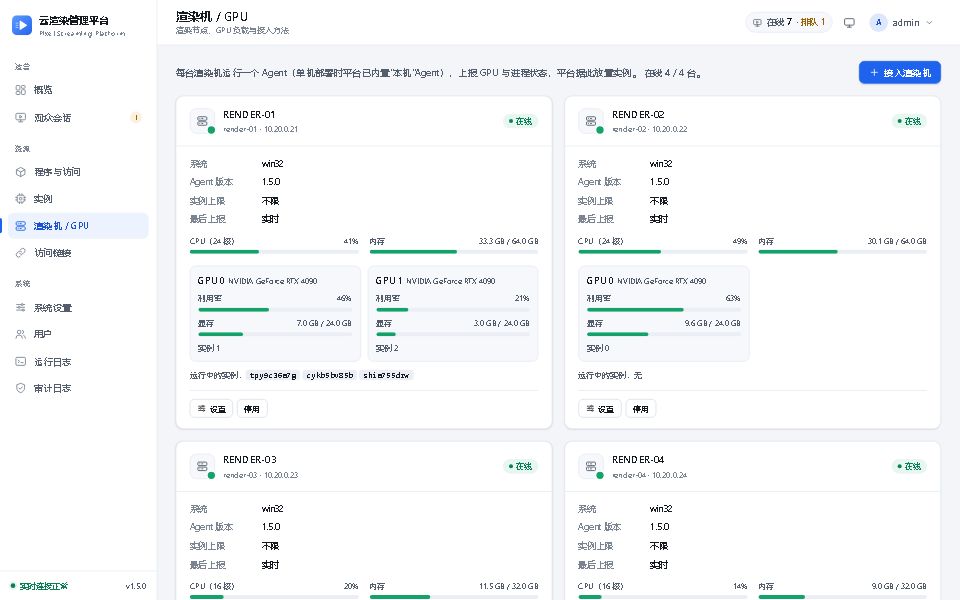
1,000 viewers at about 300 ms p99: how UEPS is load tested, what it measured, and what to monitor
UEPS load tests the platform itself with simulated render machines and viewers: 300 viewers through nginx reach 328 ms p99, and 1,000 viewers on the viewer port reach 306 ms p99 with memory going from 81 to 115 MB and zero errors. This article covers the method, the architectural trade-offs and the metrics to watch in production.